
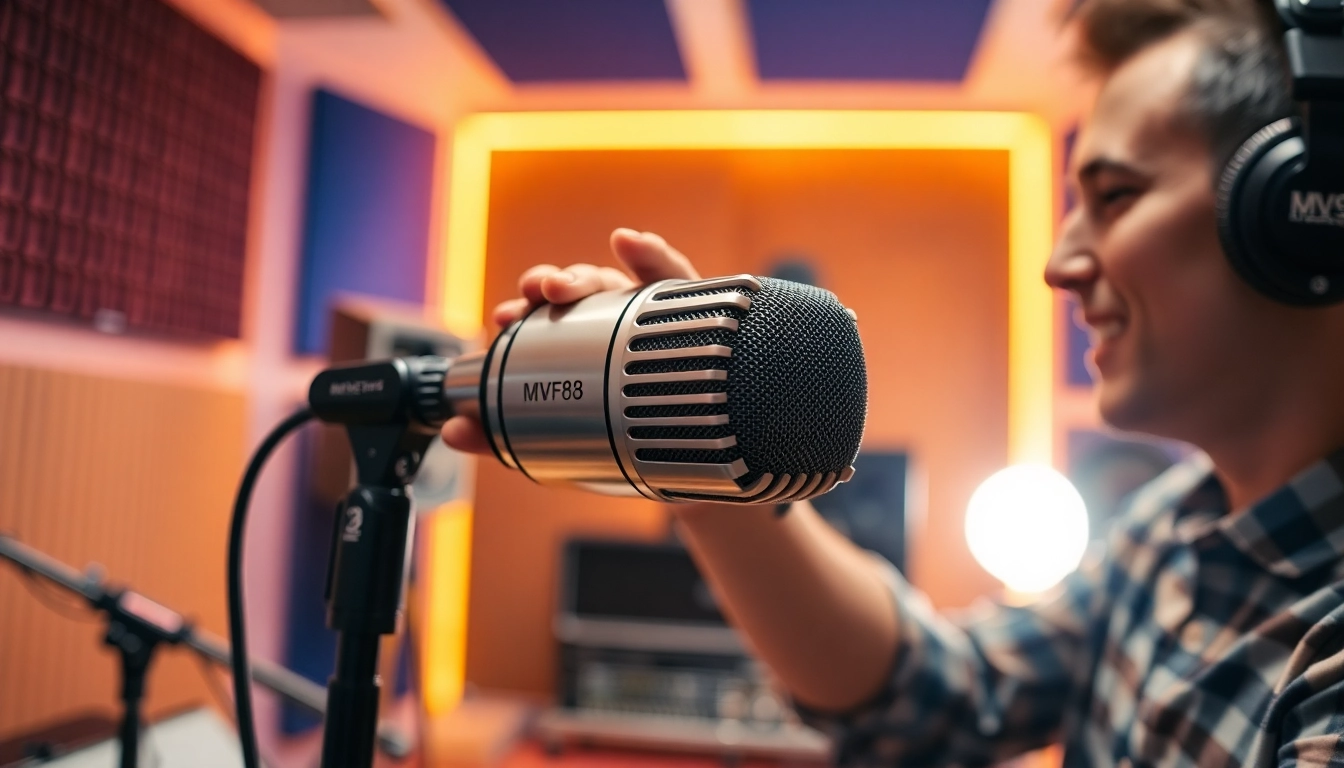
Understanding the MV88 Microphone
The MV88 microphone has quickly become a go-to choice for content creators, musicians, and podcasters alike. With its unique features and compact design, it is tailored for those who demand high-quality audio recordings without extensive setups. This article delves deeply into the MV88, illustrating its qualities, how to set it up properly, the various applications it suits, and how to troubleshoot common issues. Moreover, we will explore measures to evaluate your recording success when using this exceptional microphone.
What Makes the MV88 Stand Out?
What distinguishes the MV88 from other microphones? First and foremost, its innovative design integrates an adjustable stereo condenser microphone with a Lightning connector, making it specifically suited for Apple devices. This integration allows for easy power and signal transfer without requiring additional adapters. Additionally, it boasts a frequency response range of 20 Hz to 20 kHz, capturing a wide array of sounds, from deep bass notes to high-frequency vocals.
Moreover, the MV88’s compact and sturdy build is ideal for mobile recording. Its ability to rotate 90 degrees enables optimal positioning for capturing audio from various directions, ensuring that sound quality remains unaffected regardless of the recording environment. Coupled with Shure’s MOTIV app, users can tweak gain settings, select different polar patterns, and apply various audio processing features, making it an adaptable tool for a range of recording scenarios.
Technical Specifications and Features
When evaluating the MV88, several technical specifications highlight its capabilities:
- Polar Patterns: Adjustable stereo, cardioid, bidirectional, and mono.
- Frequency Response: From 20 Hz to 20 kHz.
- Dynamic Range: 120 dB.
- Bit Depth and Sample Rate: up to 24-bit/48 kHz.
- Connector Type: Lightning connector for iOS devices.
These specifications ensure that the MV88 is versatile enough to handle various recording environments, including live performances, interviews, and studio settings. The microphone’s app also allows users to monitor and visualize sound levels, providing professionals the tools they need for pristine recording.
Review of Competitor Microphones
While the MV88 is certainly a top contender in its category, it’s important to compare it to other popular microphones available in the market. Competitors such as the Rode VideoMic Me-L and the Zoom iQ7 offer similar features, but there are noticeable differences. The Rode VideoMic Me-L is a shotgun microphone that excels in directional audio capture; however, it lacks the adjustable stereo capabilities of the MV88. The Zoom iQ7, on the other hand, provides good sound quality and is versatile for different recording situations, but its app support isn’t as refined as that of the MV88.
Moreover, the MV88’s integration with Apple’s ecosystem offers a seamless experience for iOS users, making it particularly appealing for those who prioritize mobile recording on their devices. This combination of portability, functionality, and sound fidelity solidifies its position against its competitors
Setting Up Your MV88 Microphone
Ideal Environments for Recording
The MV88 is designed for versatility; however, choosing the right environment significantly impacts the quality of your audio. Ideally, you want to choose a quiet space with minimal background noise. Environments that are moderately soft and absorb sound, such as a carpeted room or a space with curtains, can help prevent echoing and reverberation, ensuring clearer recordings.
For musicians, common settings like small studio spaces or home recording studios with sound dampening features are excellent choices. Meanwhile, podcasters might prefer a setting that feels casual yet professional, such as an office or dedicated podcasting nook to engage guests comfortably.
Connecting to Different Devices
Setting up the MV88 microphone is straightforward. It connects directly to any iOS device with a Lightning port. First, ensure that your iOS device is updated to the latest software for optimal performance. Once confirmed, plug the MV88 into the Lightning port and allow it to sync automatically.
For users wanting to connect the MV88 to a Mac computer or use it with other devices, utilizing a Lightning to USB cable might be necessary. Despite its primary focus on Apple devices, adapters for different audio systems do enable its use outside the iOS ecosystem—providing ultimate flexibility.
Common Setup Mistakes and How to Avoid Them
Even with its straightforward setup, users can make common mistakes when configuring the MV88. One frequent issue is neglecting to check the audio source settings on their devices. Always double-check that the recording application is set to use the MV88 as the default audio input. Additionally, inadequate gain settings can lead to recordings that are too quiet or too distorted; thus, it’s essential to adjust the gain based on the recording scenario to achieve the best possible sound.
Another common oversight is forgetting to put the MV88 in the correct polar pattern for the intended recording. Always select the setting that best suits your environment – for instance, using the stereo pattern in loud spaces or the cardioid pattern for focused interviews.
Using the MV88 for Different Applications
Best Practices for Podcasts
The MV88 offers podcasters an excellent opportunity to achieve high-quality sound without a significant investment. To optimize recordings, host interviews in environments with controlled acoustics, such as small rooms or podcast booths that minimize background noise. Using the cardioid polar pattern ensures that the microphone picks up the speaker’s voice while rejecting ambient sounds.
One best practice is to perform a test recording prior to your podcast. This not only helps set the levels but also allows you to gauge whether the recording environment is suitable. Ensuring that all speakers maintain a consistent distance from the microphone can enhance clarity and prevent audio inconsistency. Finally, utilizing the MOTIV app’s real-time level monitoring helps to ensure sound is balanced throughout your recording.
Recording Music with the MV88
When it comes to music recording, the MV88 shines due to its ability to capture rich, detailed sound. Musicians should experiment with positioning the microphone at varying angles to best capture the specific instruments or vocals being recorded. Using the stereo settings offers a full, immersive sound, which is especially beneficial for ensembles or band recordings.
For optimal results, consider using a pop filter when recording vocals to minimize plosive sounds. Additionally, the use of high-quality headphones during playback assists in monitoring and achieving the desired sound balance during music production.
Utilizing the MV88 for Video Content
As video content continues to dominate online platforms, the MV88 serves as an invaluable tool for video creators. It can be paired easily with smartphones using front or rear-facing cameras, providing improved sound quality compared to built-in microphones. When producing vlogs or tutorials, positioning the MV88 close to the subject ensures clarity while minimizing unwanted sounds from the surroundings.
Alongside using the appropriate polar patterns to focus on speaking voices, video creators should also consider their visual setup. Good lighting and background choices enhance both audio and visual elements of recording, presenting a professional edge to content.
Troubleshooting Common Issues with the MV88
Audio Quality Problems: Causes and Solutions
Audio quality issues can detract from otherwise stellar recordings. Common problems include choppy sound, distortion, or excessive background noise. Confirming the microphone’s gain levels in the app settings is essential; levels that are too high lead to clipping, while settings that are too low result in muffled audio.
If recordings sound hollow or distant, verify that the microphone is in the correct proximity to the subject. Lastly, ensure that the surroundings are not overly reflective, which can cause echoes—using soft furnishings can help rectify this problem.
Device Compatibility Issues
Occasionally, users may encounter compatibility issues when connecting the MV88 to non-iOS devices or adapters. If you begin to face problems when using an adapter to connect to other devices, check whether they support the MV88’s audio specifications. Not all devices and applications provide sufficient power or support for the functionality of this microphone, with some requiring specific configurations. Testing the MV88 with various applications can also help determine the best setup.
Maintenance Tips for Longevity
To extend the lifespan of your MV88 microphone, consider these maintenance tips: Always store the microphone in a protective case to guard against physical shock, moisture, and dust. Clean the microphone regularly using a soft, dry cloth to remove debris that may accumulate over time.
Furthermore, ensure that your MV88 is disconnected when not in use to prevent unnecessary battery drainage. This practice keeps your device ready for use and prolongs the overall functionality. Regularly checking for app updates is also crucial, as updates may include enhancements and compatibility fixes.
Measuring Success with the MV88 Microphone
Evaluating Sound Quality with Metrics
To measure the success of your recordings with the MV88, you should first establish clear metrics for audio quality. Factors such as frequency response, volume levels, and dynamic range can give insight into how well the microphone performs for specific applications. Recording multiple clips in varying environments and settings can help determine the optimal configuration for future projects.
It’s beneficial to listen to your recordings iteratively; assessing clarity, presence, and detail allows you to refine your recording skills and techniques over time. Keeping a record of your successful settings can also provide valuable reference points for future audio projects.
Gathering User Feedback
Engaging with your audience for feedback can offer a new perspective on your audio quality. Seeking insights from listeners about their experience with your sound quality can guide adjustments in your recording and production process. Consider audience preferences regarding audio styles or specific sound notes, improving overall content and connection with your audience.
Conducting surveys or over social media—whether asking for feedback on clarity during podcasts or sound quality in video productions—serves to create an active dialogue with your audience, driving continuous improvement.
Lessons Learned from Real-World Use Cases
Analyzing recorded projects after they have been released can yield many lessons learned from practical use. Whether recording a podcast episode or producing music, reviewing the entire process—from setup and recording to post-production—can highlight areas in need of adjustment. Engaging with other users who have shared their experiences can further enhance your knowledge of the MV88’s capabilities.
Stats and feedback can reveal how environmental conditions and varied settings have influenced audio output, thus allowing users to make informed decisions for future recording sessions. Knowledge gained from tracking this data ensures that creators can innovate their usage and maintain a high standard of audio quality.